How to Refresh Snapchat Planet Rankings
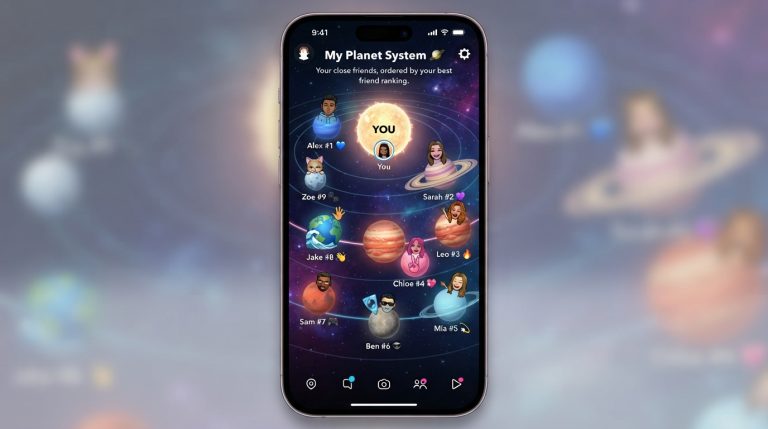
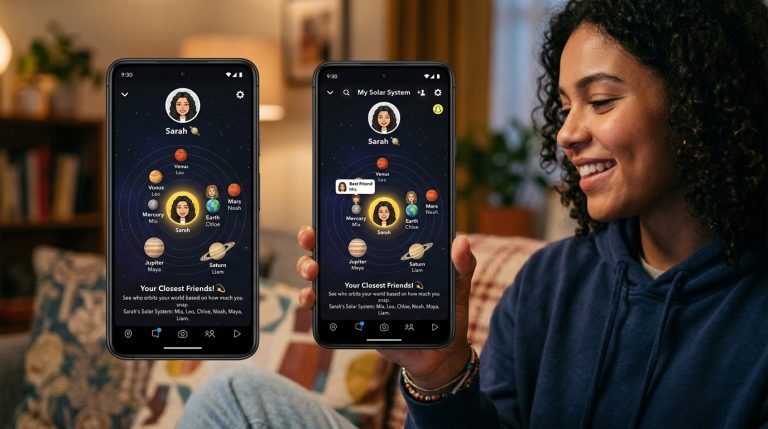
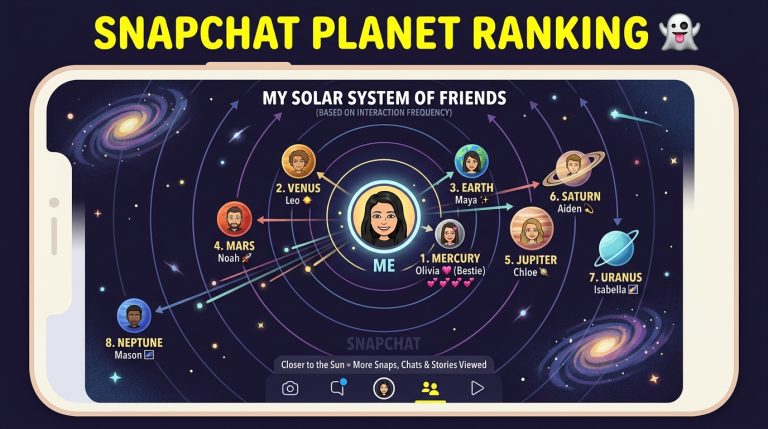
Snapchat Planets is one of the most popular Snapchat Plus features, allowing you to see your top eight friends in a virtual Friend Solar System. Each friend is assigned a planet based on how often you interact with them, with Mercury representing your closest friend and Neptune representing your eighth closest friend.
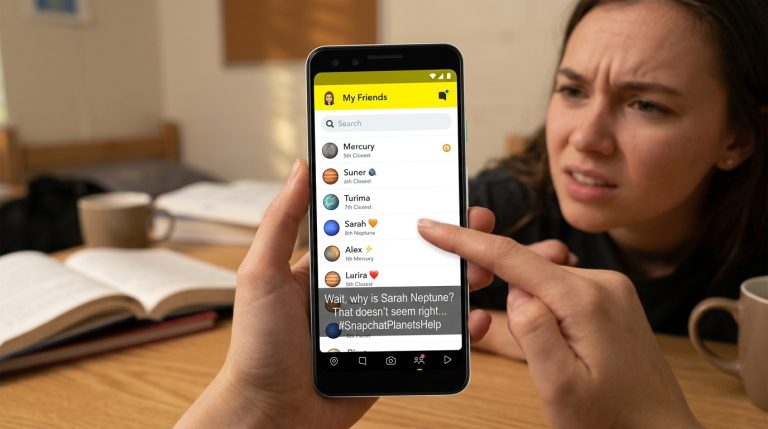
Many users notice that their Planet rankings don’t update immediately after chatting or sending snaps. This often leads to questions like, “How do I refresh Snapchat Planet rankings?” or “Why haven’t my Planets changed?”
The good news is that while there isn’t a manual refresh button, there are several ways to encourage Snapchat to update your Friend Solar System more quickly.
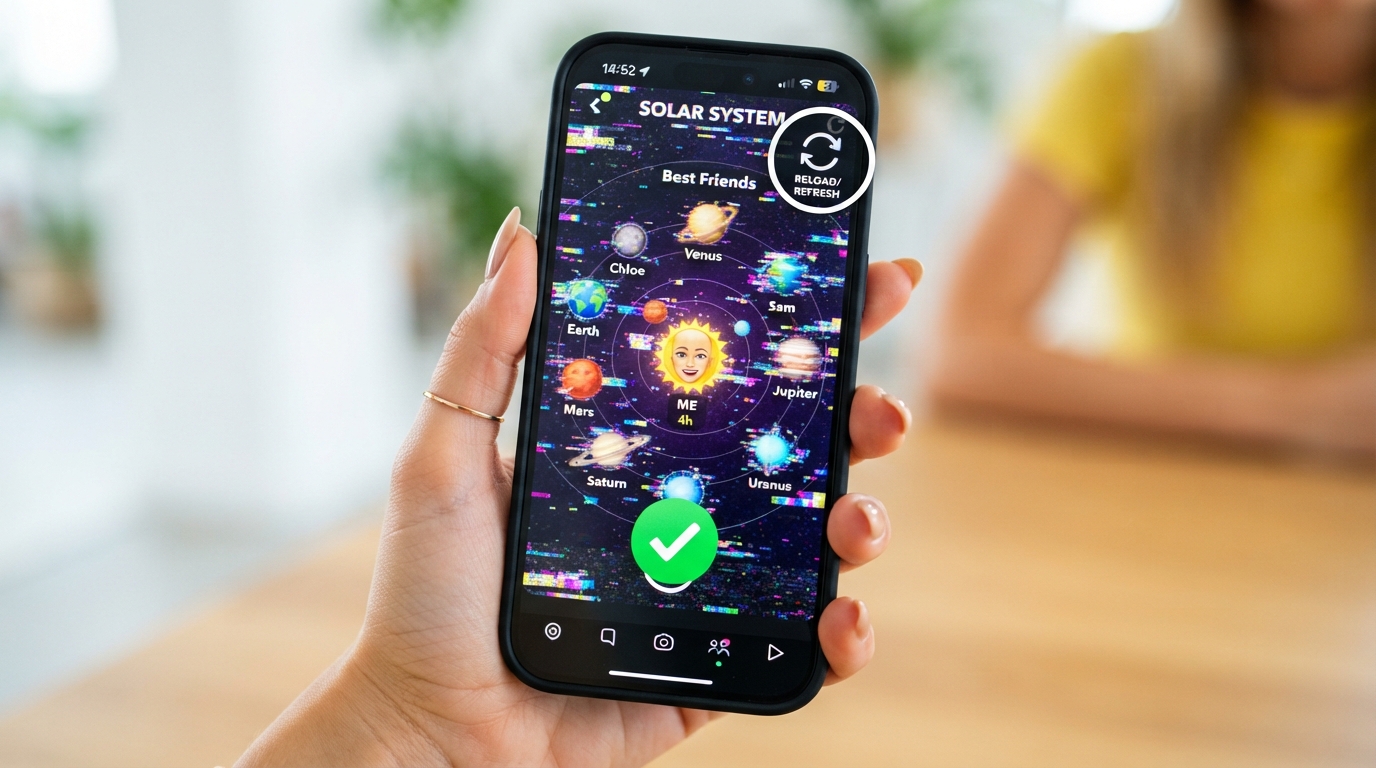
Can You Manually Refresh Snapchat Planet Rankings?
No.
Snapchat does not provide a manual refresh option for Planet rankings.
Instead, the Friend Solar System updates automatically based on your activity. The Snapchat algorithm regularly analyzes your interactions and adjusts your rankings when enough new engagement data is available.
If your rankings haven’t changed yet, it doesn’t necessarily mean the feature isn’t working.
How Snapchat Updates Planet Rankings
Snapchat continuously tracks your interactions with friends.
Some of the factors that influence your rankings include:
- Snaps sent and received
- Chat messages
- Story replies
- Story views
- Snapstreak activity
- Recent interactions
- Overall communication frequency
When these interactions change over time, Snapchat recalculates your Planet positions automatically.
Send More Snaps
The easiest way to influence your rankings is by sending more snaps.
Try to:
- Send photo snaps daily.
- Exchange video snaps regularly.
- Reply to incoming snaps.
- Stay active throughout the day.
Frequent snapping signals strong engagement to Snapchat.
Chat Regularly
Text conversations also contribute to your friendship ranking.
To increase interaction:
- Start conversations.
- Reply quickly to messages.
- Keep chats active.
- Avoid long periods without communication.
Consistent conversations can help improve your Planet position over time.
Maintain Snapstreaks
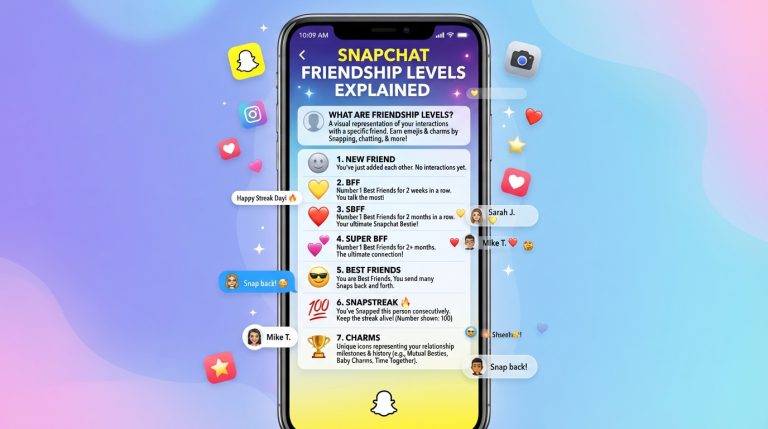
Snapstreaks are one of Snapchat’s strongest engagement indicators.
To keep your rankings active:
- Send at least one snap every 24 hours.
- Avoid breaking existing streaks.
- Continue long-term streaks with your closest friends.
Long Snapstreaks often strengthen your overall friendship score.
Interact With Stories
Story engagement is another signal Snapchat may consider.
You can:
- Watch your friends’ Stories.
- Reply to Stories.
- React with messages.
- Stay engaged whenever new Stories are posted.
These interactions contribute to your overall activity.
Give Snapchat Time to Update
Many users expect Planet rankings to change instantly.
However, Snapchat usually needs time to process new activity.
Depending on your usage, updates may occur:
- After several hours
- The next day
- Following consistent interaction over multiple days
Patience is often the simplest solution.
Restart Snapchat
If your rankings appear stuck, restarting the app may help.
To restart:
- Close Snapchat completely.
- Remove it from recent apps.
- Wait a few seconds.
- Open Snapchat again.
This refreshes the app and reloads your account information.
Check Your Internet Connection
Poor connectivity may delay updates.
Try these steps:
- Connect to a stable Wi-Fi network.
- Switch to mobile data if necessary.
- Disable any VPN service.
- Restart your router if needed.
A reliable connection helps Snapchat sync your latest activity.
Update Snapchat
Older versions of Snapchat may contain bugs affecting Snapchat Plus features.
To update:
- Open your device’s app store.
- Search for Snapchat.
- Install any available updates.
Using the latest version helps ensure Planet rankings function correctly.
Clear Snapchat Cache
Temporary files may sometimes prevent Snapchat from displaying updated information.
To clear the cache:
- Open Snapchat.
- Tap your profile.
- Open Settings.
- Scroll to Clear Cache.
- Confirm the action.
This won’t delete your chats, memories, or account data.
Log Out and Sign Back In
Refreshing your account session may resolve synchronization issues.
Steps:
- Open Snapchat Settings.
- Tap Log Out.
- Close the app.
- Sign back in.
Once your account reloads, check whether your rankings have updated.
Why Your Rankings May Not Change
Sometimes your rankings remain the same because your interaction patterns haven’t changed enough.
Possible reasons include:
- You still communicate most with the same friends.
- Other friends have similar activity levels.
- Snapchat hasn’t processed enough new data.
- Your recent activity hasn’t significantly changed your engagement score.
Even if you’re more active, the ranking may stay the same if your top friends are also interacting with you consistently.
What You Should Avoid
If you’re trying to refresh your Planet rankings, avoid these common mistakes:
- Sending dozens of snaps within a few minutes.
- Using third-party Snapchat tools.
- Logging in through unofficial apps.
- Expecting immediate ranking changes.
Snapchat values natural, consistent interaction rather than sudden bursts of activity.
Frequently Asked Questions
How often do Snapchat Planet rankings update?
Snapchat does not publish an official schedule. Rankings typically update automatically as your interaction patterns change.
Is there a refresh button for Snapchat Planets?
No. Snapchat does not offer a manual refresh button. The Friend Solar System updates automatically.
Why is my Mercury friend still the same?
Your Mercury remains the same if they continue to be the person you interact with the most on Snapchat.
How long does it take for Planet rankings to change?
It varies. Some users notice changes within a day, while others may need several days of consistent interaction before rankings update.
Does clearing the cache reset my Planet rankings?
No. Clearing the cache only removes temporary files stored on your device. Your Planet rankings are linked to your Snapchat account and remain unchanged.
Tips to Keep Your Planet Rankings Updated
To ensure your Friend Solar System reflects your latest activity:
- Use Snapchat regularly.
- Send and receive snaps every day.
- Keep Snapstreaks active.
- Reply to chats and Stories.
- Update the app whenever a new version is released.
- Maintain a stable internet connection.
- Allow time for Snapchat to process your interactions.
Following these habits helps Snapchat accurately update your Planet rankings and ensures your Friend Solar System reflects your current activity with friends.